Make a little time for play.
A little about the game
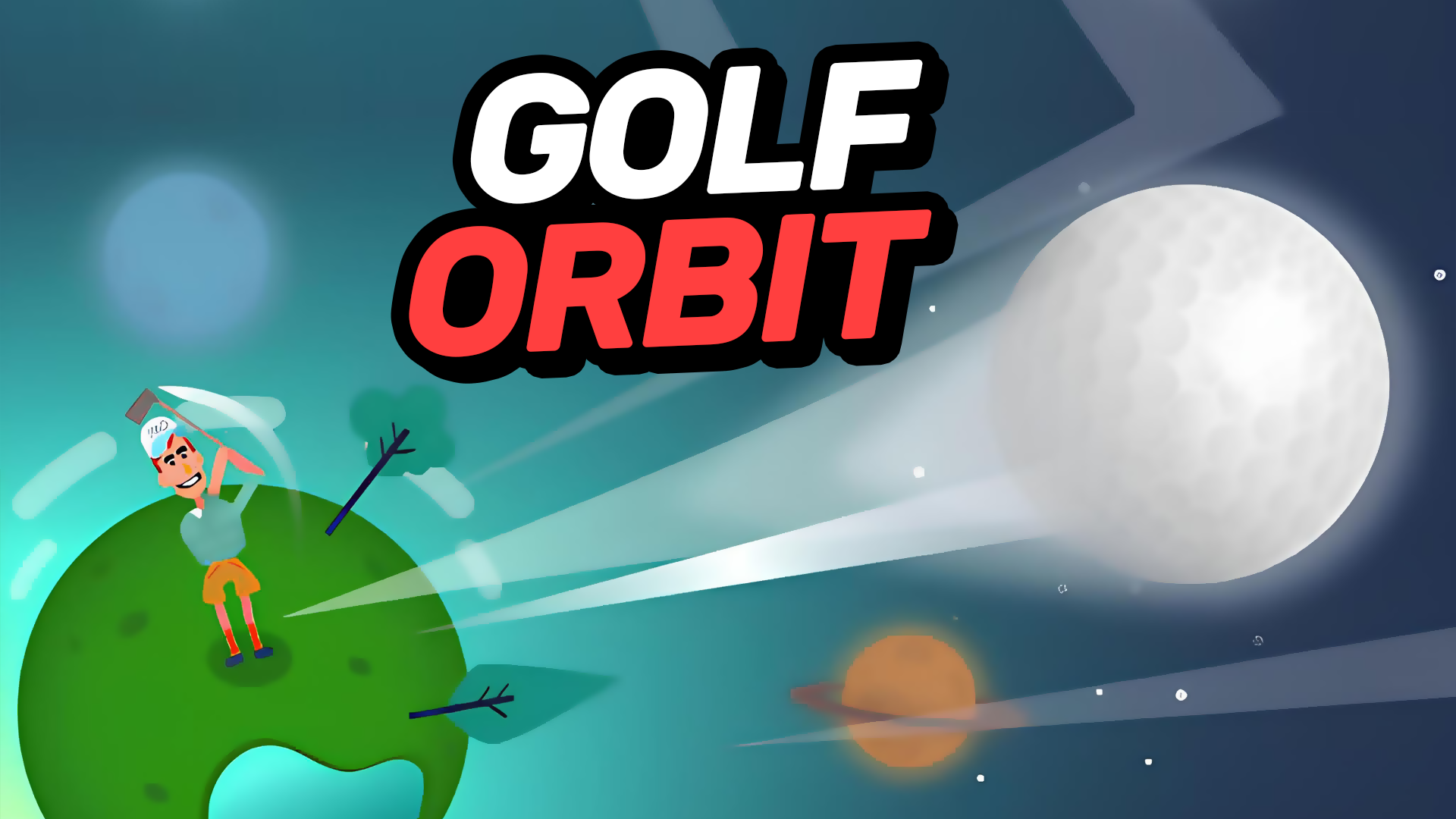
Golf Orbit is an arcade golf game about timing a swing and sending a golf ball farther. Watch the moving indicator and aim for its green section when taking a shot. Check the result, collect your reward and use coins for Strength, Speed or Bounce upgrades before trying again.
GET INTO IT
How to play
Use the left mouse button in the play area to take a shot, timing the press for the indicator’s green section. After the ball stops, read the result and use Collect to claim the displayed reward. Upgrade options show their effects and coin costs on the shot screen.
| Action | How |
|---|---|
| Take a shot | Click the play area with the left mouse button while watching the moving indicator. |
| Collect a reward | Choose Collect on the result screen. A separate video-marked option may offer an extra reward. |
| Choose an upgrade | Use Strength, Speed or Bounce on the shot screen; check its description and coin cost. |
A few tips before you play
- Watch the indicator for a moment before clicking. Its green section is the target for a better-timed swing.
- Read the upgrade labels: Strength improves the golfer’s strength, Speed affects ball speed and Bounce affects how far it bounces.
- Check the result before starting again. Reward amounts depend on the shot, and the video-marked bonus is a separate option.
The listed shot control is for a mouse. Follow the game’s on-screen input prompts on a touchscreen. Ads can appear between attempts, and bonus rewards may require a video.