Make a little time for play.
A little about the game
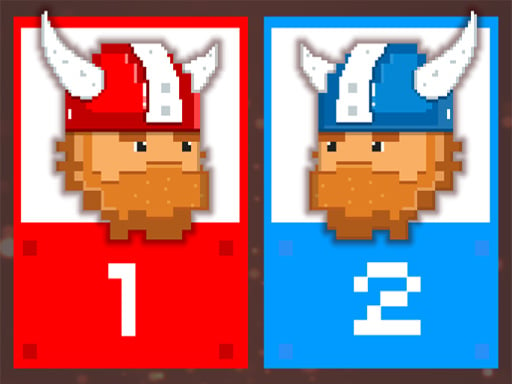
12 MiniBattles is a collection of short contests for two players sharing a keyboard. Press Play to let the game select a minigame, then compete using one key each. The action changes with the round, from sports to other arcade challenges, while the red and blue players keep the same A and L controls.
GET INTO IT
How to play
Choose Play on the title screen, then press Play on the minigame screen and wait for the selection to finish. Player 1 uses A and Player 2 uses L. Check the current scene before pressing: each minigame gives those keys a different action and has its own goal.
| Action | How |
|---|---|
| Start a round | Press Play on the minigame screen, then wait for the selection to finish. |
| Player 1 — red | A — perform the current minigame’s action. |
| Player 2 — blue | L — perform the current minigame’s action. |
A few tips before you play
- Watch the selected scene before you begin. A new minigame can change what the same key does.
- Keep each player’s hand near their own key: A on the left and L on the right.
- Try a deliberate press before repeating it. Learn how the current action responds instead of assuming every round works the same way.
The controls listed here are for two people sharing one keyboard. Each minigame has its own goal.